The process
From drawing to something that looks stitched
Every Strange Forms pattern starts as a drawing.
For Jungle, I began with botanical shapes and loose pencil sketches, then gradually developed the leaves, contours and internal details. Once the basic illustration was working, I started replacing ordinary drawn lines with repeated marks designed to resemble stitches.
The result is deliberately somewhere between illustration and embroidery. Up close, you can see that the “stitches” are actually drawn marks. From further away, they come together into a textile-like pattern.
-
Start with the drawing
The first stage is about shapes, composition and movement. I sketch the leaves and work out how the individual elements will fit together as a repeating pattern.
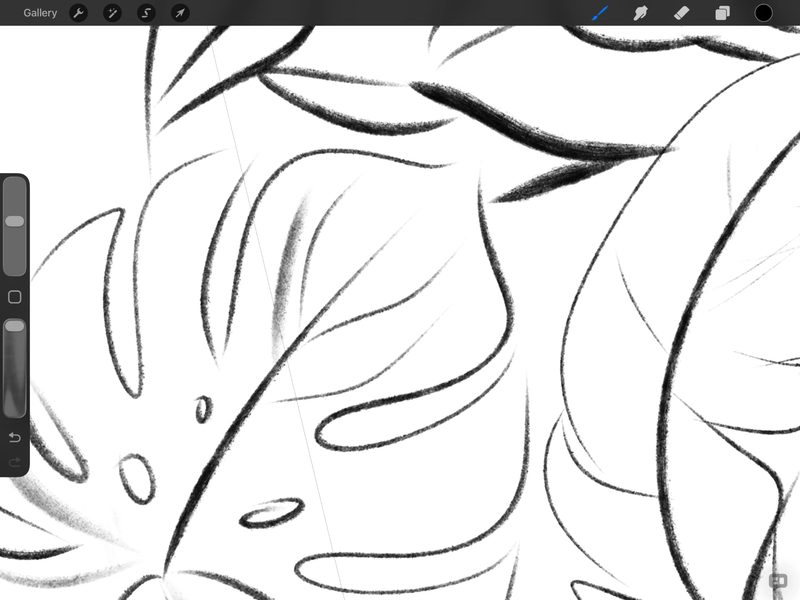
Procreate screenshot: the pencil sketch, working out the leaf shapes and how they overlap. -
Draw the stitches
Instead of using a conventional textured brush and calling it a day, I build the embroidered appearance into the illustration itself. Lines become repeated stitch-like marks, while areas of the leaves are filled with small crosses and other repeated details.
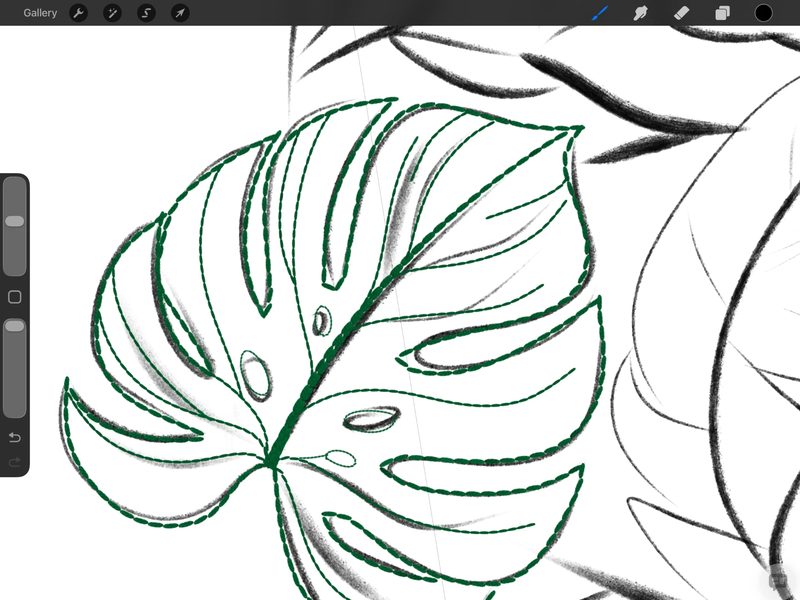
Procreate screenshot: stitch-like dashes drawn over the pencil sketch. -
Build the pattern
Individual illustrated elements are combined into a larger composition. Colour, density and scale are adjusted so the pattern works as a blanket rather than just as a standalone illustration.
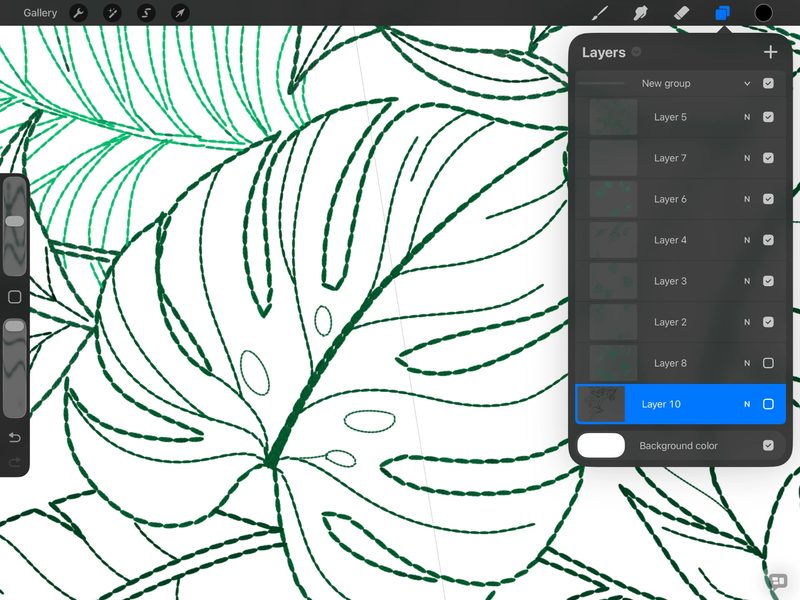
Procreate screenshot: outlines only, with the layer of small crosses hidden. 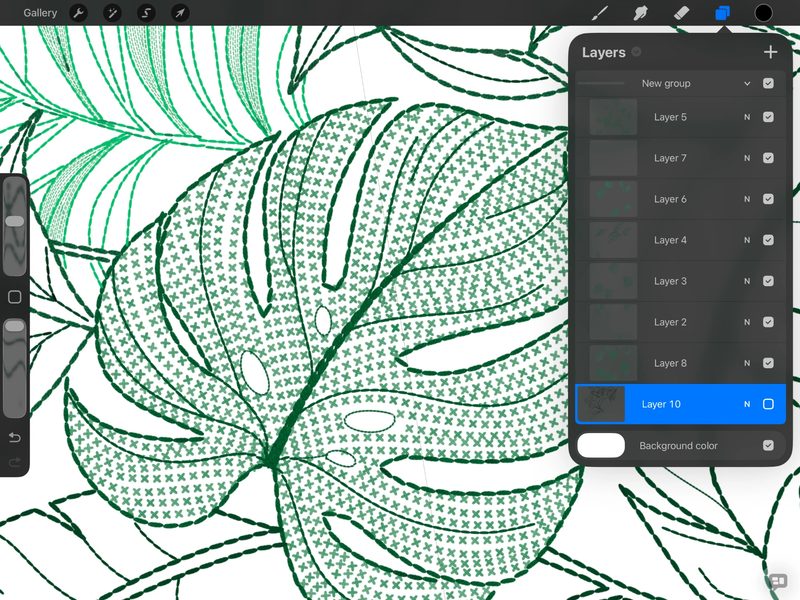
Procreate screenshot: the same leaves with the layer of small crosses shown. -
Print, don't embroider
The final artwork is printed onto the blanket. The embroidery is an illusion created by the illustration itself. The blanket is not actually embroidered.
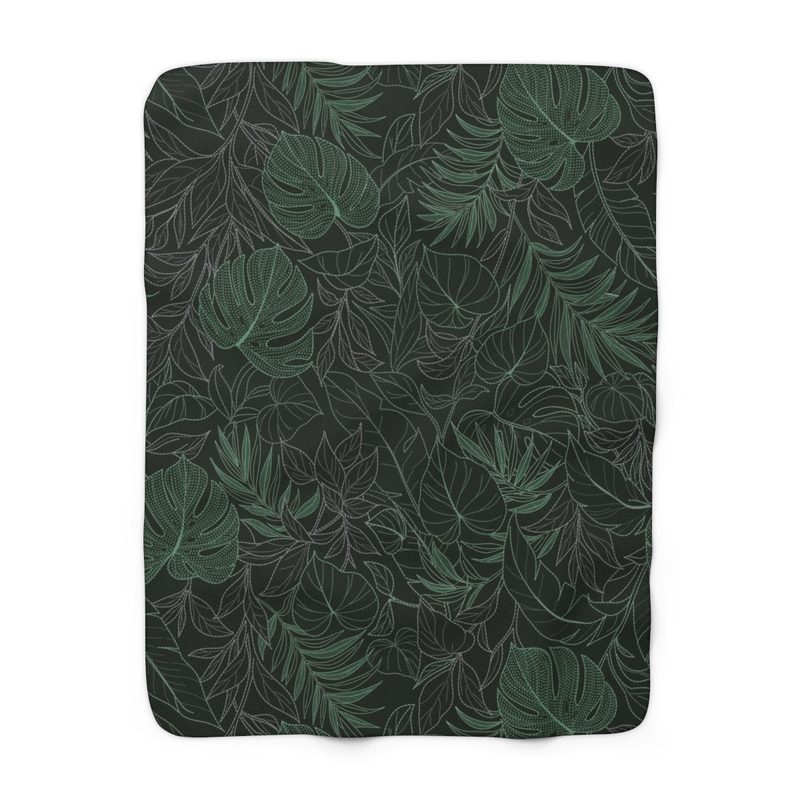
The finished Jungle artwork on the blanket (product mock-up).


